
Overview
Modules provide the means to chunk content in a course. Courses can have one module or multiple modules. You can only move a module in a course with multiple modules.
Moving a Module
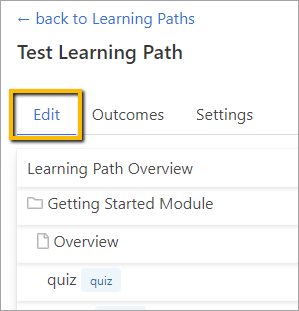
To move a module, go to the Edit tab from within the Learning Path.
Hover over the module you wish to move and click the three dots to the right. Then click Suggested Move (down once/up once) or Select the Module position from the dropdown.
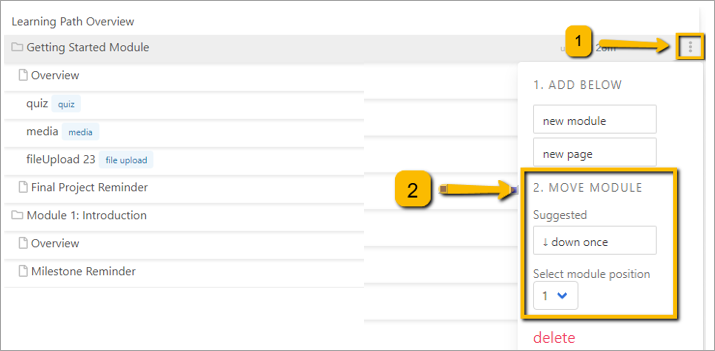
The system will automatically update the module placement.
Comments
0 comments
Please sign in to leave a comment.