
Overview
Pages are used for content creation or for displaying prompts/instructions for various activities and assignments. Pages also allow you to chunk activities for better user navigation. Pages can be added after modules or other pages in a learning path
Adding a Page
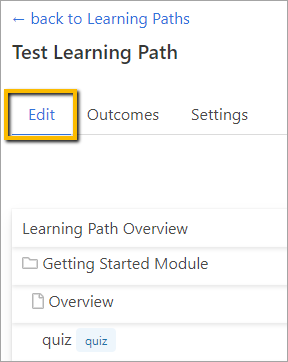
Go to the Learning Path where you wish to add a page and click the Edit tab.
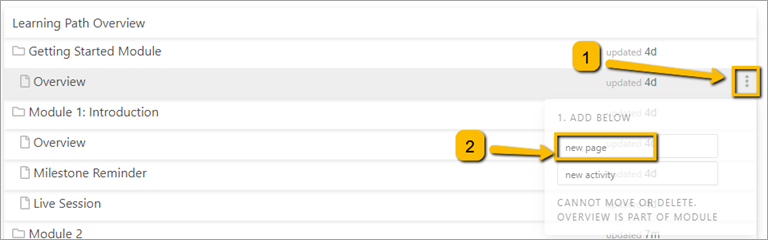
Hover over the item that you want the page to come after and click the three dots to the far right. Then click on a new page.
A new window will appear.
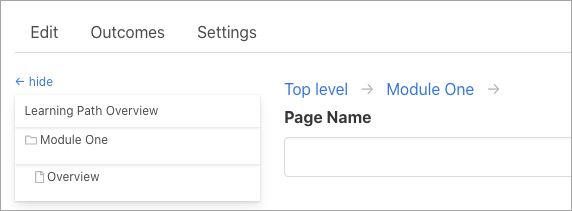
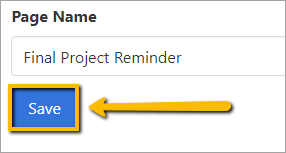
Add the name of the page.
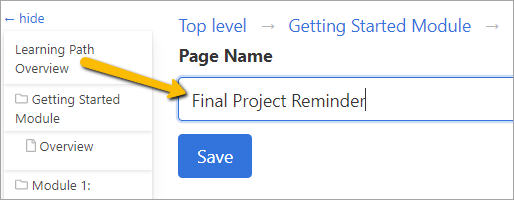
Click Save. This will save the name of your page.
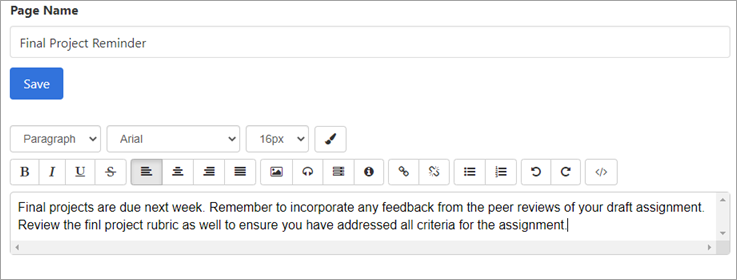
Once you click Save, the content editor will appear.
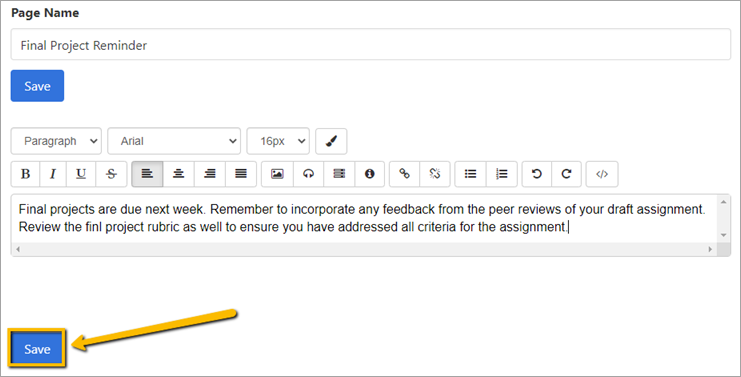
When you have finished adding content, click Save at the bottom of the page.
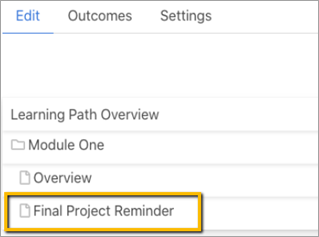
The new page will appear within the module.
Comments
0 comments
Please sign in to leave a comment.