
Overview
You can report issues with platform functionality as well as feature requests to Skillways using the Support link within the platform. Feedback is strongly encouraged to ensure optimal user experience.
Go to Support
Click on Support from the dropdown menu in the top right under the username.
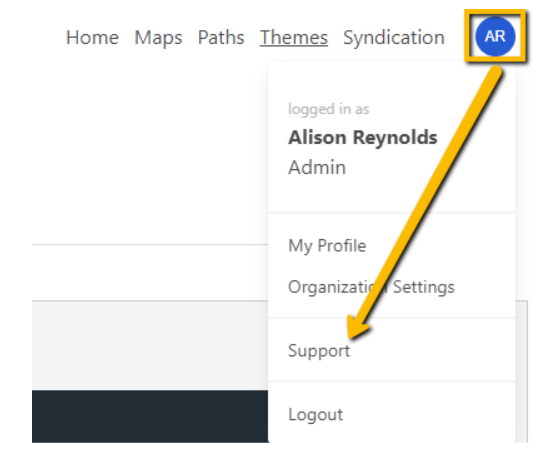
This will take you to the Ease Learning ZenDesk support site.
Select the Email support option. This will trigger a form for you to complete.

Complete the Request Form
Fill out all required fields of the form. The more details the better.

Add a screenshot attachment by clicking Add file or drop files here link under Attachments.

Click Submit when finished.

You will see a confirmation that your request/feedback was submitted in the top right of the screen.

Comments
0 comments
Please sign in to leave a comment.