
The Extras section allows you to add more information about the question - information that we refer to as metadata.
There are a number of fields available. The following are currently available for use in Skillways assessments:
- Contains math
- Distractor rationale
- Distractors
- Instructor stimulus
- Sample Answer
Contains math
When this setting is turned on, math is rendered properly in the Question. This setting is turned on by default in both our math question types and also when you input any math into the Question using the math editor.
Distractor Rationale
Feedback (Distractor Rationale) can be configured for the following question types:
-
Multiple Choice
-
True and False
-
Cloze with drop down
-
Cloze with drag and drop
-
Cloze with text
Distractor rationale will allow you to provide generic feedback or explain overall rationale for a question.
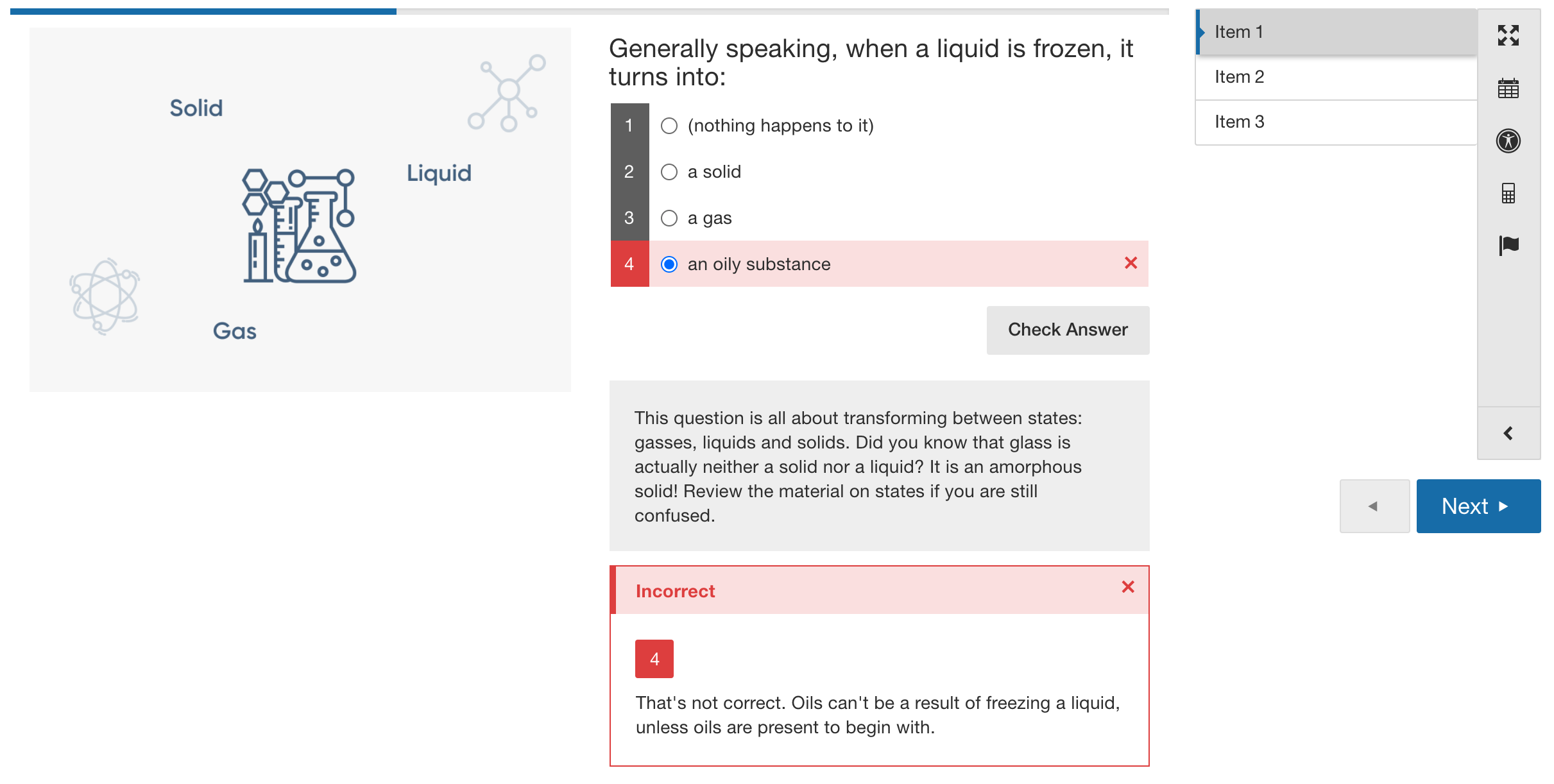
Figure 1: Demonstration of how distractor rationale can be displayed to the student. This shows both the distractor rationale for the question and the distractor associated with response option 4.
Distractors
This serves the very same purpose as the Distractor Rationale field above, except that you have the option of having multiple different fields of feedback, rather than just one generic one. For example, if you had an MCQ with three response options, you could have three distractor fields configured so that a different line of feedback will appear to the student depending on what response option is selected.
Each distractor is associated in order. Distractor 1 is tied to the first response option, Distractor 2 is tied to the second response option, and so on, regardless of whether the response options are correct or incorrect. If you do not wish to author a distractor rationale for the correct response option, you should still add a distractor, but leave that distractor field empty. This is necessary to maintain the association between each Question and its distractor rationale.
Note: in order for distractor rationale to display, you must:
- Enable the check answer button in the question editor
- Turn the distractor rationale on in the assessment settings
- Set up distractor rationale for all questions in the assessment
Instructor Stimulus
Content entered in this field is intended for review only by the proctor/instructor during the assessment, e.g. it could be some extra instructions that need to be read out to the students. This cannot be previewed, but will display as a blue box near the question when the instructor goes into Progress to grade.
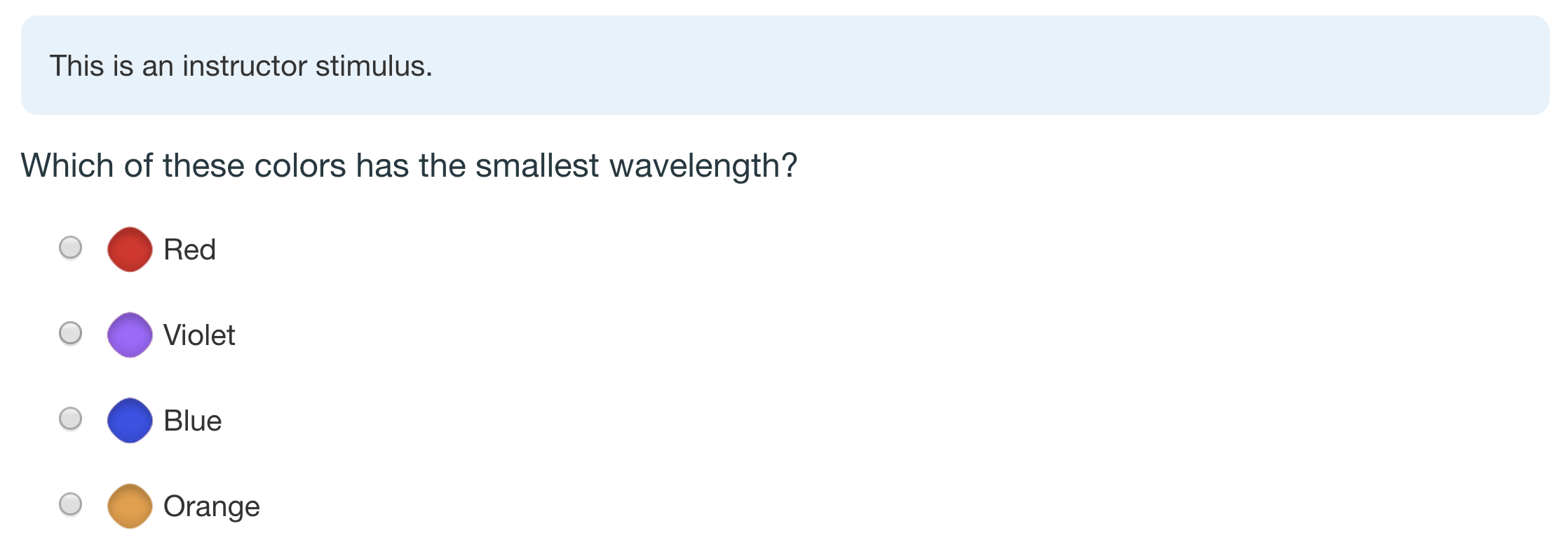
Figure 2: Demonstration of an instructor stimulus
Sample answer
This will allow you to show the sample answer for the question.
Comments
0 comments
Please sign in to leave a comment.