
Overview
At times you may need to delete an existing learning path. Deleting a learning path will delete the learning path and all modules, pages, and activities created within the learning path. It will not delete a map that is linked or bound to that learning path. This user guide will walk you through the steps.
Go to Settings
From within the learning path, click on the Settings tab.
Delete the Learning Path
Click on Delete.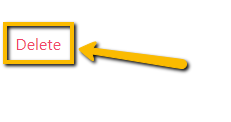
A new window will pop up asking you if you intend on deleting.
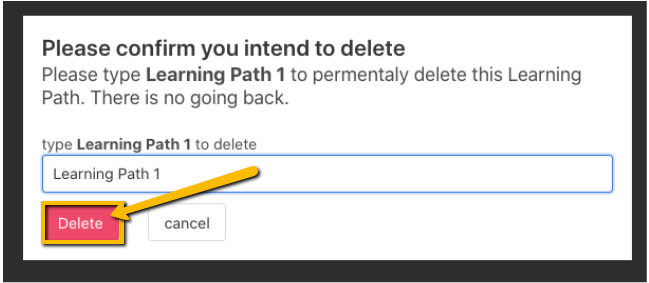
Type in the name of the learning path exactly as it appears. It is case sensitive.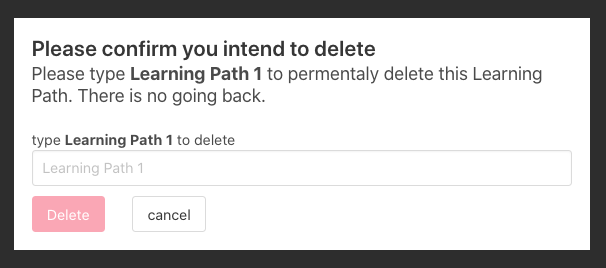
Click Delete.
Comments
0 comments
Please sign in to leave a comment.