
Overview
You can delete a theme at any time. Deleting a theme will delete it from all learning paths to which it is currently applied and break the LTI link. If you wish to apply a different theme to a particular learning path, see the user guide “How do I apply an existing theme to a learning path?”
Go to Themes
To start, click on Themes from the top-right navigation.

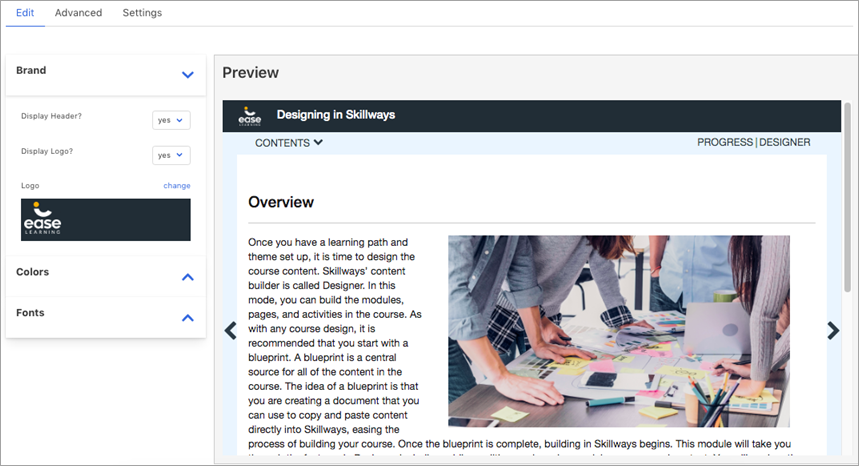
Click on the theme you wish to delete.
A new screen will appear.
Delete the Theme
Click on the Settings tab.
A new window will appear.

Click Delete.

A pop-up window will appear to ask you if you intend on deleting the theme.
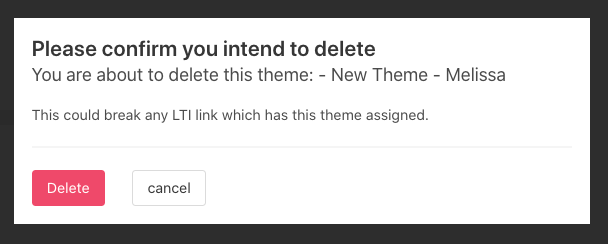
Click Delete.

Comments
0 comments
Please sign in to leave a comment.