
Overview
To apply a theme to a learning path in Skillways, you will use the Syndication feature. The default theme will be applied to your learning path automatically, but you can apply a different theme at any time.
Go to Syndication
From within the learning path, click Syndication from the top-right navigation.
A list of learning paths will appear.

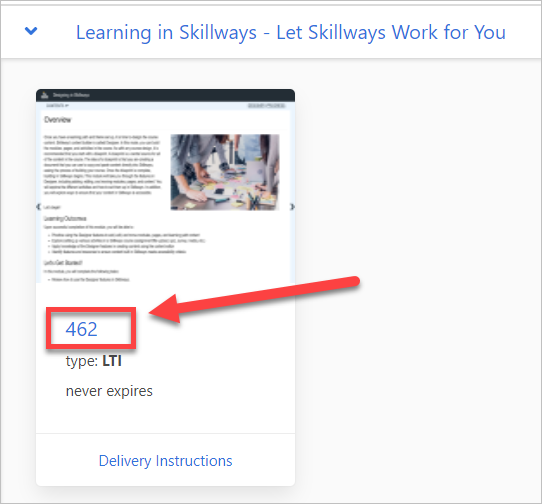
Click on the number or name under the learning path
Apply a Theme
Under Theme, select the thumbnail of the new Theme you wish to apply.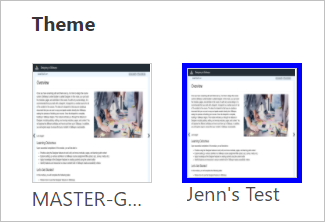
Click Save when you are done.
Comments
0 comments
Please sign in to leave a comment.