
Overview
When you’ve finished creating your path, it is time to syndicate it to your users. A Skillways path can be embedded into an LMS, portal, or web application using LTI or SCORM. This user guide will walk you through how to access the LTI 1.1 link.
Go to Syndication
Select Syndication from the top-right navigation.

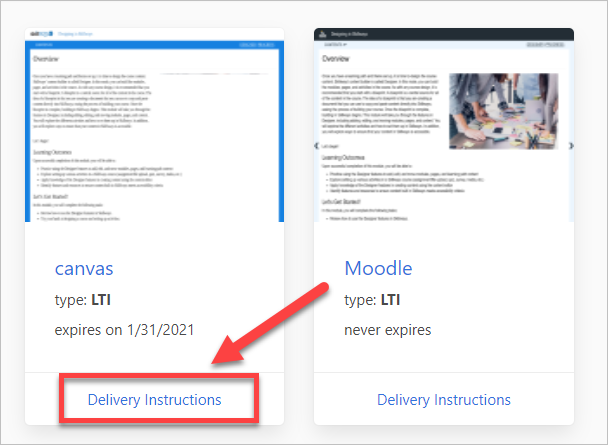
A list of learning paths will appear. Click on Delivery Instructions.
Note: in some cases there may be more than one syndication for the path, so make sure you are selecting the desired syndication.
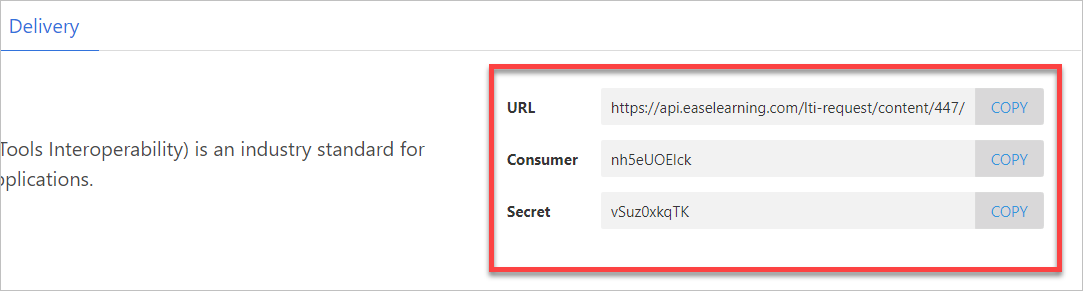
From here you can copy the LTI link.
Comments
0 comments
Please sign in to leave a comment.