
Overview
If you add an outcome and realize you need to delete it, this user guide will help.
Go to the Map You Wish to Edit
Click Maps from the top-right navigation.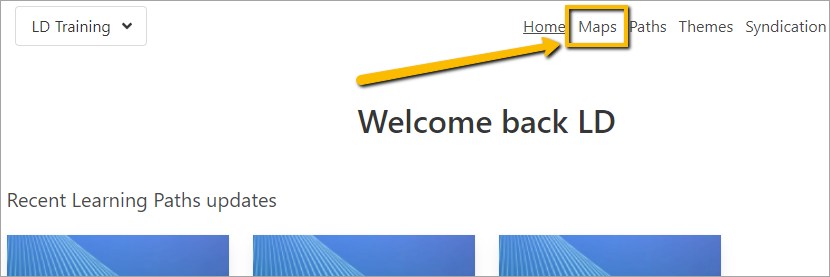
Select the Map from the list.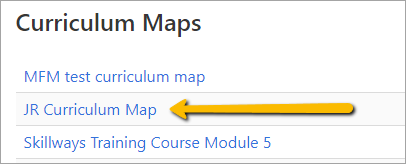
Delete the Outcome
From the List view, hover over the outcome you want to delete and click the edit outcome button on the far right
.
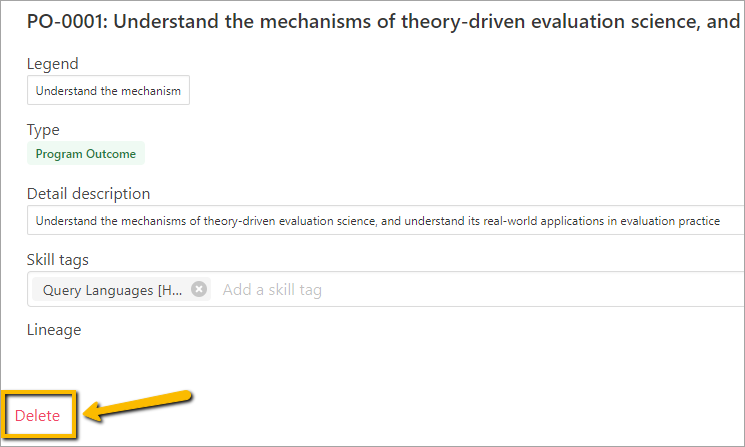
A new page will appear. Click Delete.
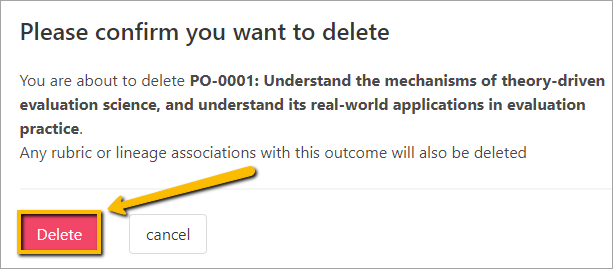
A pop-up window will appear to ask you if you are sure you want to delete it.
Click Delete.
Comments
0 comments
Please sign in to leave a comment.