
Overview
If you have created a curriculum map and you no longer want or need it, you can delete the map.
Go to the Map You Wish to Delete
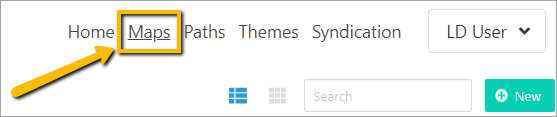
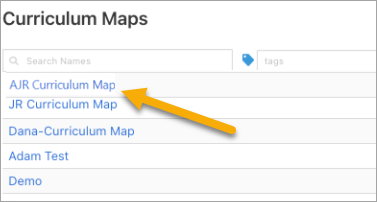
Select the Map you wish to delete.
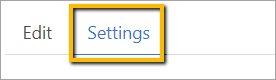
Go to the Settings tab.
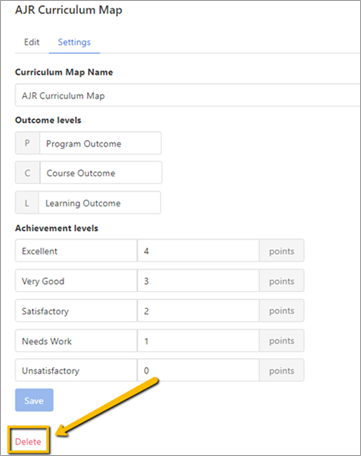
Delete the Map
Click on the delete option at the bottom of the screen.
A pop-up window will appear asking you to confirm that you intend on deleting the curriculum map.
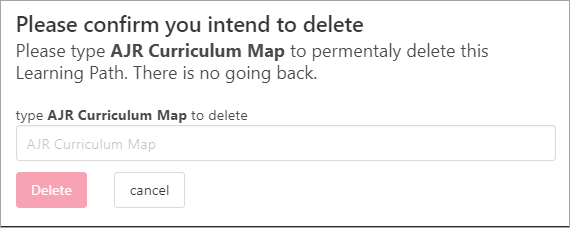
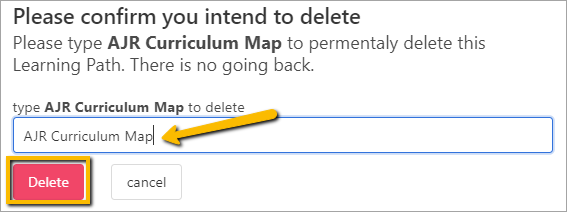
Retype the bolded words in the space provided exactly as you see them. They are case-sensitive. After you type them, the delete button will be activated.
Click Delete.
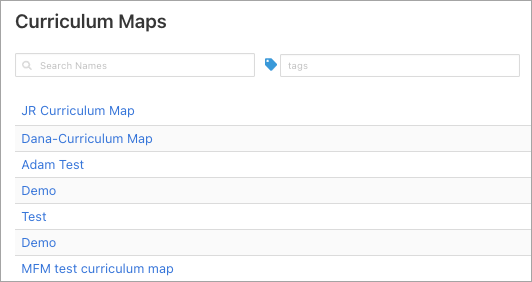
The map will then be deleted and no longer appear in the Curriculum Map list.
Comments
0 comments
Please sign in to leave a comment.