
Overview
Skillways allows you to duplicate curriculum maps. This can be useful and save time if a new curriculum map you wish to create contains a lot of the same content and information as a previously created curriculum map.
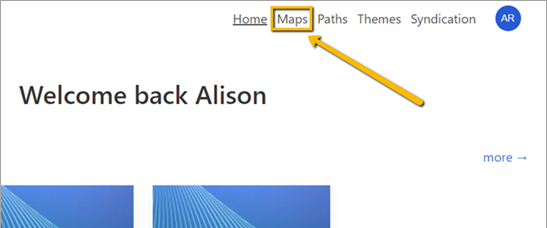
Go to Maps
Select Maps from the top right navigation.
F 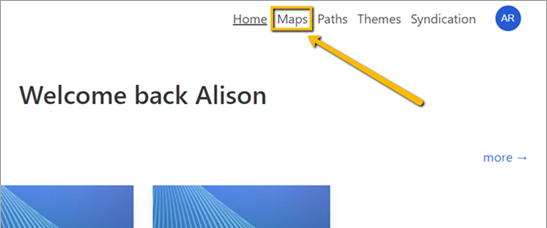
A new page will appear with the list of maps. Select the Map you wish to duplicate.
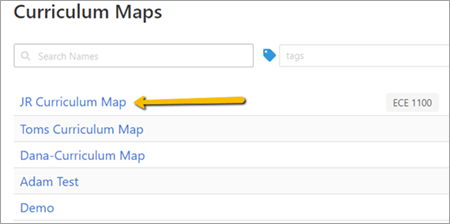
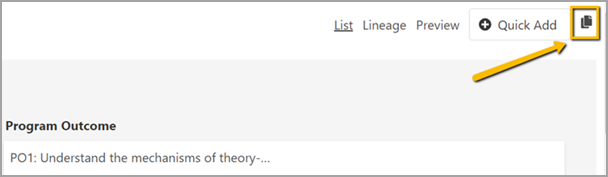
Click on the Clone icon in the upper right.
A drop-down menu will appear.

Select the account where you want to add the duplicate map from the drop-down menu. Accounts to which you have access will display as options in the drop-down menu.
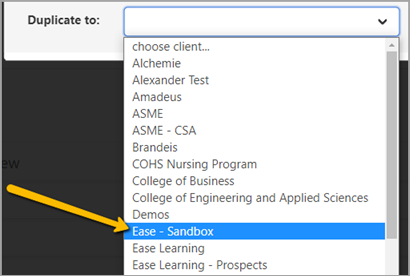
The duplicate map will appear in the account.
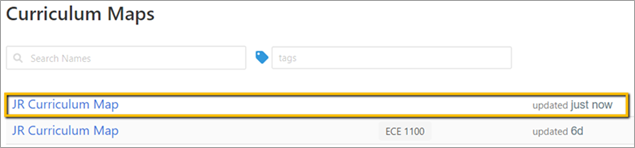
Rename the Newly Duplicated Map
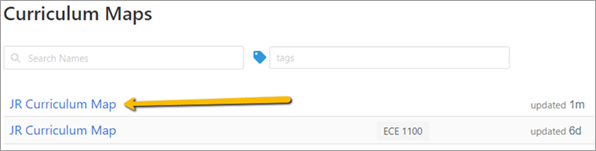
Click on the newly duplicated map. You can look to the right of the map name to see when the map was last updated if you are unsure which map is the clone. The more recently updated map will be the new one.
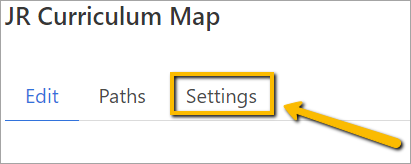
Select the Settings tab.
Add a new name for your duplicated map.
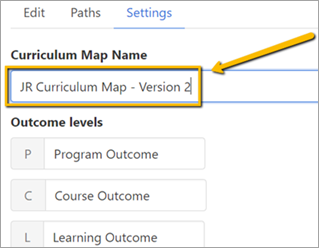
You can also add or rename outcome headings, achievement levels for rubrics, and edit or add tags associated with this map if desired.
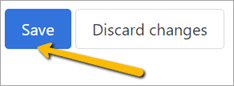
When finished, scroll down to the bottom and click Save.
To view or begin editing your newly cloned map, select Maps from the navigation.
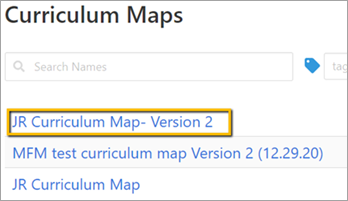
Your newly cloned map will now appear in the list.
Comments
0 comments
Please sign in to leave a comment.