
Overview
Once you’ve created a curriculum map in Skillways, you can preview, export, save, or print your map. This can be especially useful for accreditation and reporting purposes.
Go to Maps
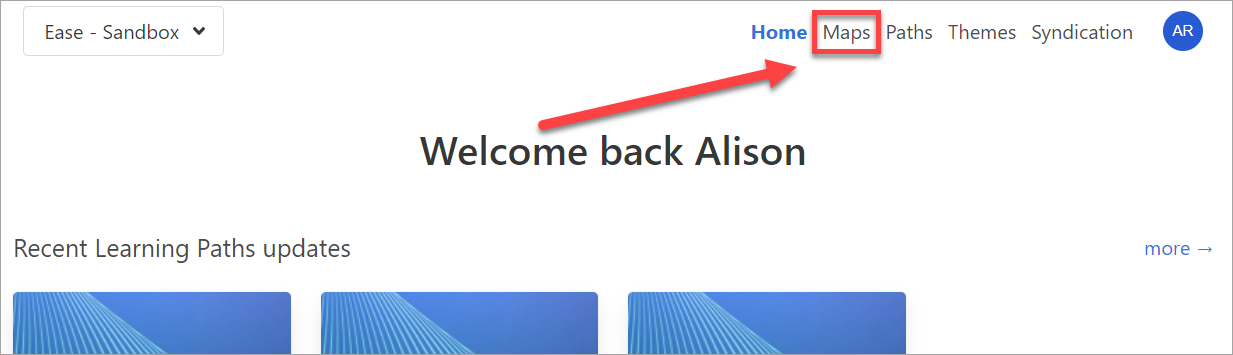
Click Maps from the top-right navigation.
Select the Map from the list.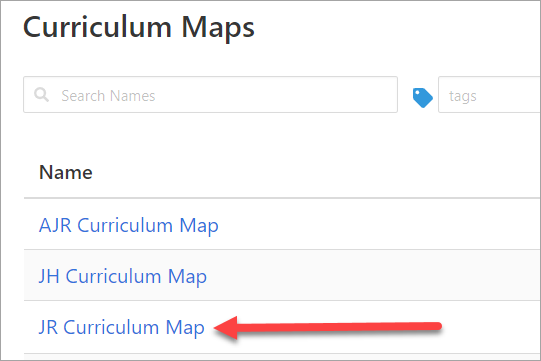
When the map opens, click Preview View from the drop-down menu in the upper left.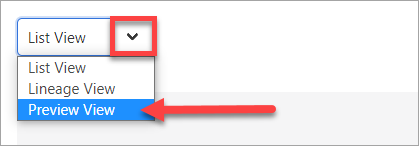
The map will open showing a preview of the sunburst and the list.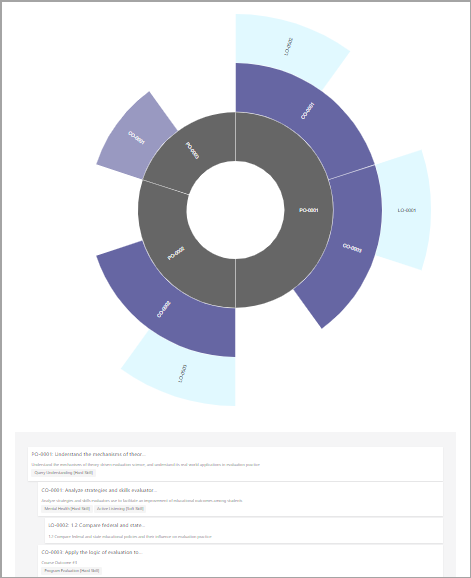
To export or print, click the Export button in the upper-right corner.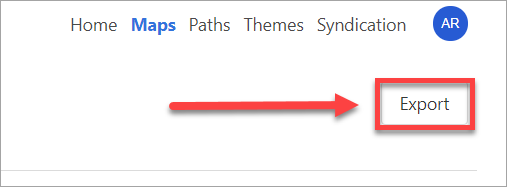
The map will open in a new window showing a preview of the list and the sunburst. From here, using your browser, you can save the file or print it.
Comments
0 comments
Please sign in to leave a comment.