
Overview
Skillways allows you to create rubrics for each activity. Rubric criteria must be mapped to learning outcomes. In order to map rubric criteria, you must first map the activity to the learning outcome or outcomes. When you do this, the mapping feature is enabled on the rubric.
Go to the Path
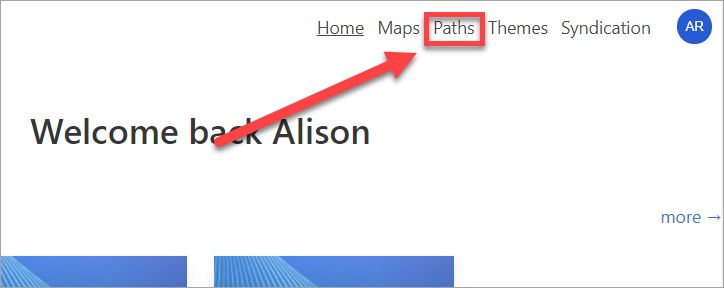
Select Paths from the top navigation.
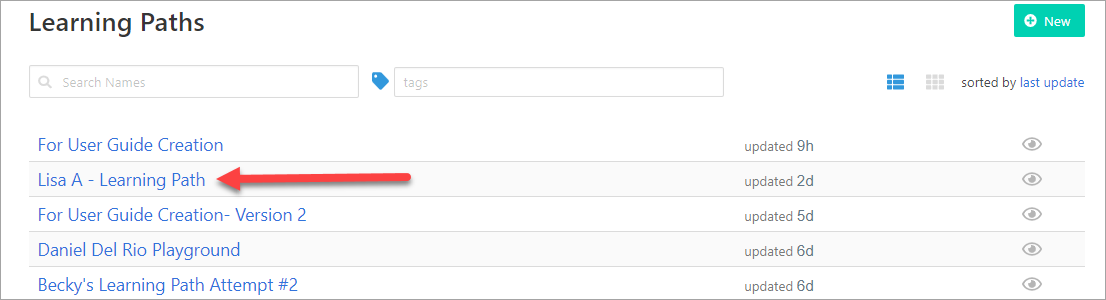
Select the Learning Path where you wish to map the rubric criteria.
Choose the Activity
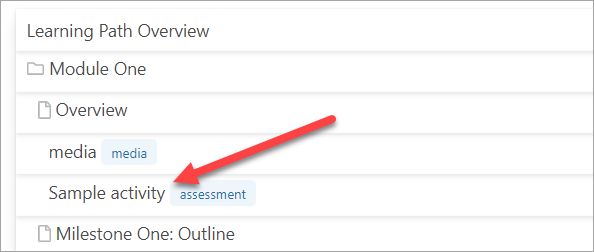
Select the activity where you wish to map the rubric criteria.
Map Criteria
If you have not yet created a rubric, see the user guide, How do I add a rubric to an activity?, before proceeding.
If you have already created your rubric and wish to add mapping, go to the Grading section.
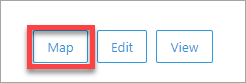
Select map.
A pop-up window will appear. By default all criteria will be mapped to all learning outcomes.
Adjust the mapping as needed by selecting/deselecting the box or boxes.
Select Save Changes.

Comments
0 comments
Please sign in to leave a comment.